Fujifier Pro · Launch Offer 50% Off

Fujifilm Colors
for every camera

Convert Sony, Canon, Nikon and 20 more RAW formats into lossless DNGs. Lightroom then unlocks the complete set of native Fujifilm X-T5 film simulations.

See how it works

Also available for Mac, iPhone, iPad, Android and Linux. One license. Up to three devices.

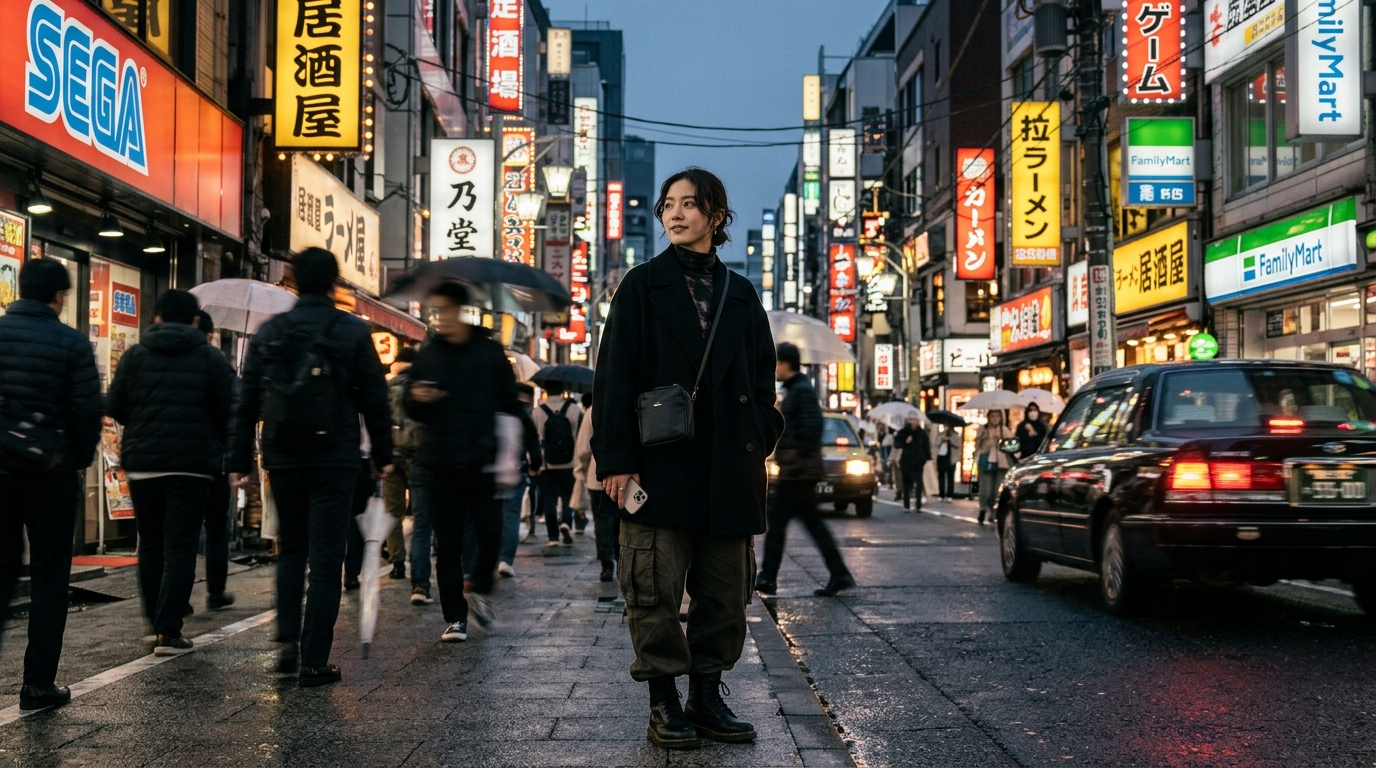
Fujifilm X-T5 Film Simulation Profile Result
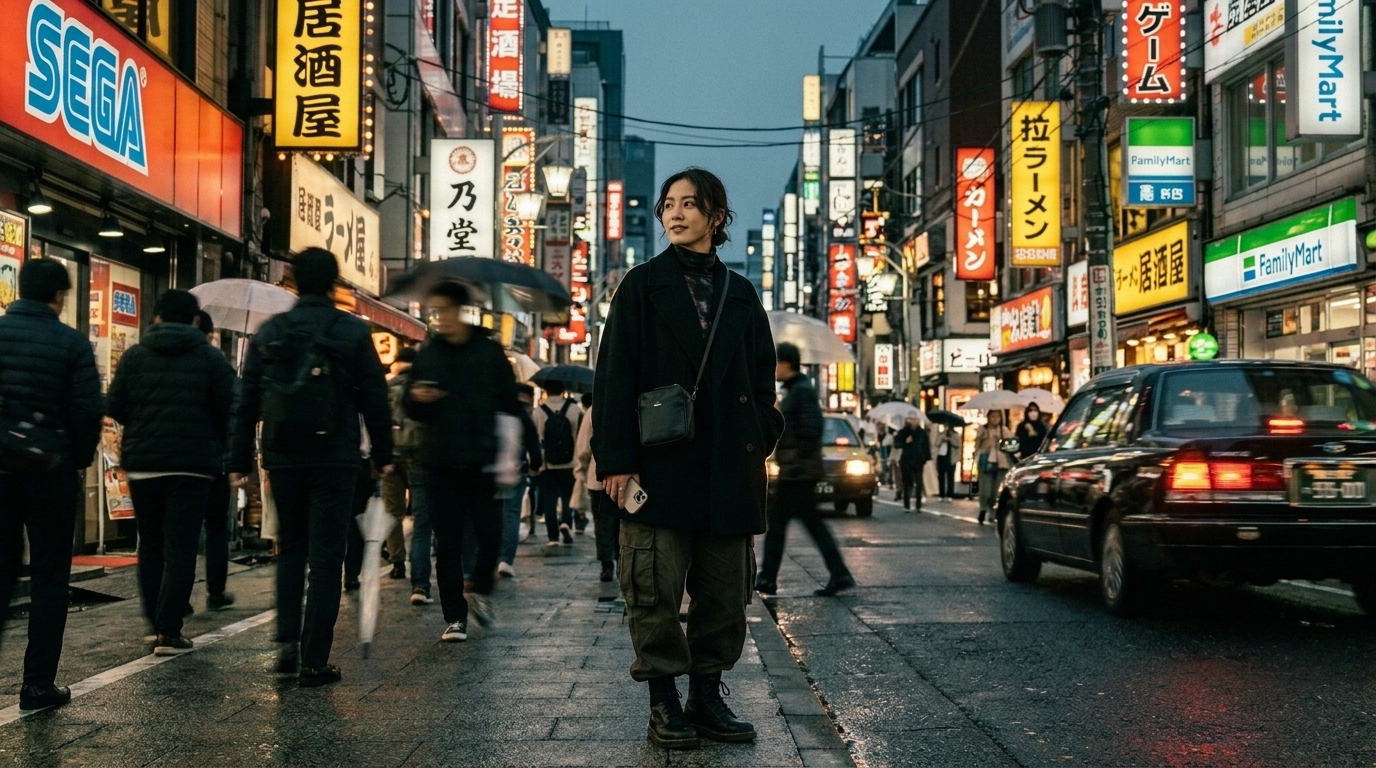
Original Unprocessed Camera RAW
DSC04912.ARW · Sony A7 RIV · 28-75mm F2.8

Not a preset

The profile Lightroom
was hiding.

Fujifier writes the metadata that tells Lightroom your RAW file is an authentic X-T5 capture without replacing your camera make and model metadata. The result feels native because it is native.

Pure Sensor Fidelity

Lossless by design

Your original sensor data is preserved, including full 14-bit dynamic range, highlight recovery and ISO invariance. Optional original RAW bitstream embedding guarantees zero loss.

14-bit Linear RAW · Full Dynamic Range
Color Science

Native film simulations

Access all 19 X-T5 profiles, from Classic Neg and Classic Chrome to Velvia, ACROS and Nostalgic Neg inside Lightroom's native Profile Browser.

Classic Neg Classic Chrome ACROS (+Ye, +R, +G) Velvia Nostalgic Neg Provia Astia PRO Neg.Hi Eterna
High Performance

Built for volume

Process thousands of images locally with a native .NET 10 & Rust FFI engine powered by DNGLab, LibRaw and ExifTool. Hot folders monitor SD card dumps automatically.

ARW / CR3 ➔ LibRaw + DNGLab ➔ X-T5 DNG

Workflow

Four steps.
No compromises.

Everything happens locally. Your images never leave your device.

01 · IMPORT

Choose your RAW

Drop in ARW, CR3, NEF, RAF and other supported formats, individually or as an entire folder.

02 · DECODE

Read the sensor

LibRaw preserves the original tonal information and raw sensor matrix before conversion.

03 · CONVERT

Create the DNG

DNGLab builds a lossless container and embeds the Fujifilm X-T5 profile signature.

04 · EDIT

Open Lightroom

Select any of the 19 native film simulations and begin editing immediately.

$ fujifier process DSC04912.ARW --target "Fujifilm X-T5" --embed-raw
Decoding Sony ILCE-7M4 linear RAW · LibRaw demosaic
Building lossless DNG 1.6 container · DNGLab FFI engine
✓ Injected X-T5 camera-profile signature · 19 film simulations ready

Compatibility

Check your camera.

Instant live search across 120+ tested camera bodies and RAW formats.

Pricing

One purchase.
Every platform.

Buy on the web or in the app. One single lifetime license follows your Fujifier account across Windows, iPhone, iPad and Android.

Community

$0

Free forever, for testing the workflow or compiling from source.

  • Single-file RAW conversion
  • Up to 10 full-resolution trial conversions
  • GPL-3.0 source availability
  • Windows, iOS and Android builds
Download free

FAQ

Good questions.

Will Lightroom show the real X-T5 profiles?

Yes. Lightroom already includes official camera-matching profiles for the X-T5. Fujifier writes the exact color matrix and sensor metadata that makes your converted DNG eligible to access them.

What is included in the $9.99 Lifetime Launch Offer?

The launch offer gives you full, permanent lifetime access to Fujifier Pro with zero recurring subscriptions. It includes 3 device activations across Windows, iOS, and Android, unlimited batch conversions, and free updates forever.

Can I use older Fujifilm cameras?

Yes. Older RAF files (e.g. from X-T3, X-T4, X100V) can access newer X-Trans V simulations, including Nostalgic Neg, Eterna, and the latest color profiles.

How does cross-platform licensing work?

A purchase made through Stripe or an app store attaches directly to your unified Fujifier account. You can activate Pro across any combination of Windows, iOS, and Android up to your 3 device limit.

Are my images uploaded anywhere?

No. Conversion is performed 100% locally on your computer or phone using native C++ and LibRaw. Your RAW images never touch external servers or the cloud.